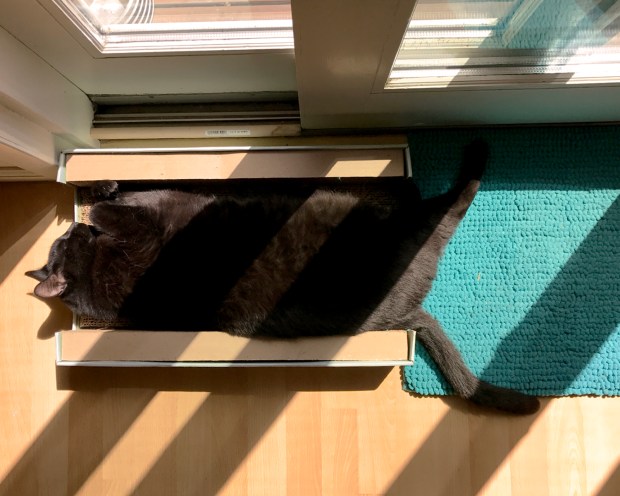
This is Albie, absorbing the morning sun through the studio sliding doors. Our large middle cat, he is a handsome warm inky black, and very difficult to photograph. This one has zero interest in destroying miniatures.
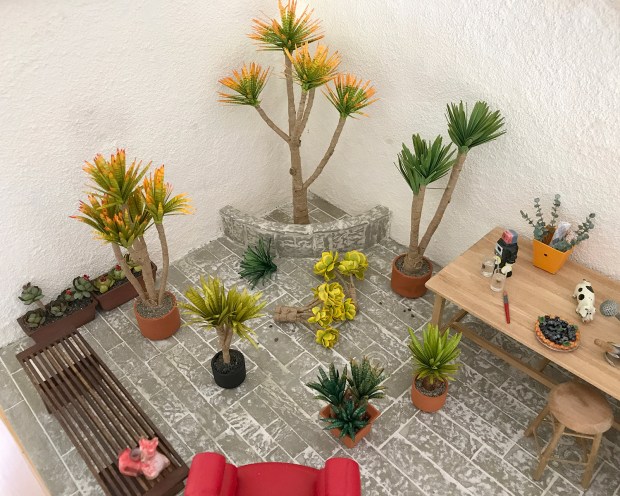
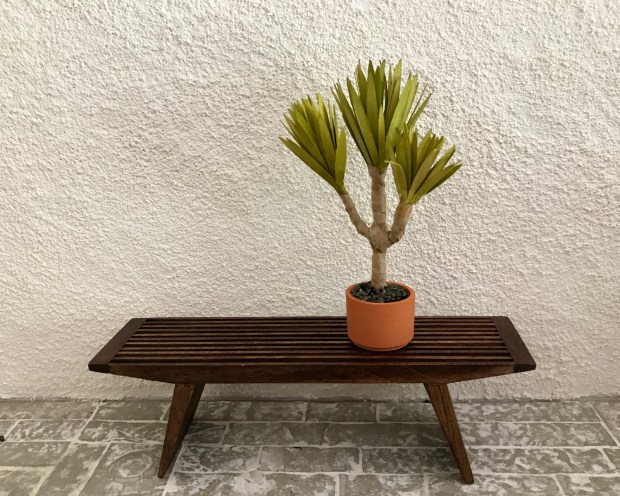
Re-working the Modern Miniature Succulents + Sundries set a bit. I built a corner planter for specimens, and glued in one yucca tree with the new, narrower leaves. For the rest, I want to keep the plantings fluid and easy to change out, so I devised a kind of armature on the stalks of rolled brown paper for elevation. They are planted to the floor with tacky wax.

Here’s how it looks planted out, and with other plants massed around, like a typical nursery.
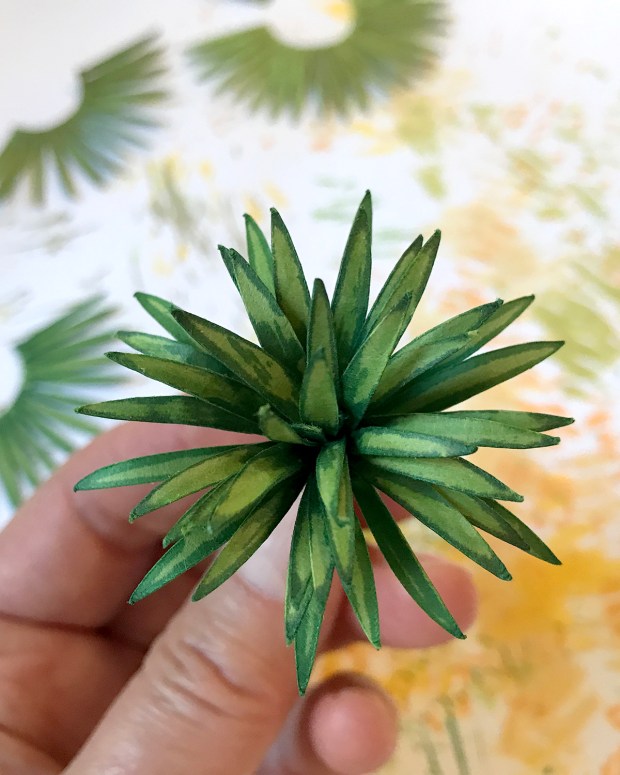
Still experimenting with colorways on the different stocks. This is the original shape leaf cluster in medium green, with leaf and pine markers. After the glue is set, the leaves are separated and arrayed.

Here is a similar leaf cluster, scored down the middle with the back of an Xacto knife. it makes it into a whole other plant.

Here they are side-by-side. So much potential!
And now for the frustration rant: Cricut has released a new version of their Design Space app that has inexplicably broken my SVG files — the format for my drawings used to cut all these shapes. I have been in close contact with their support staff for the last two weeks, but no answers, fixes or workarounds yet. I even abandoned Firefox for Google Chrome. It is all very tedious, time wasting and — frustrating.

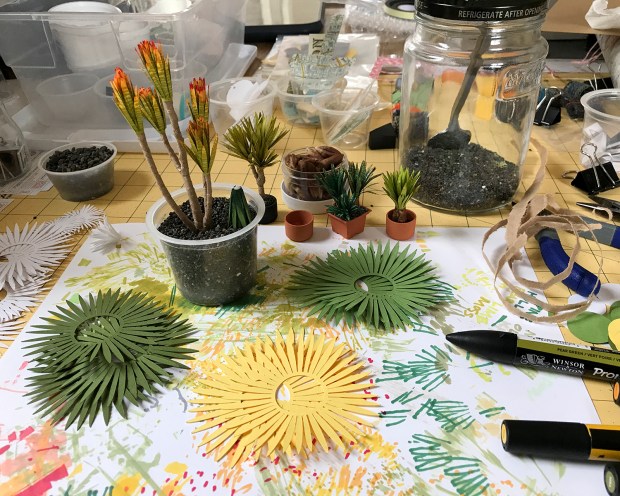
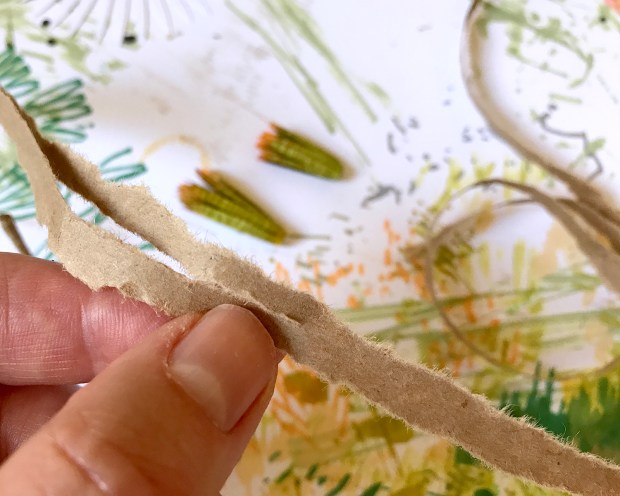
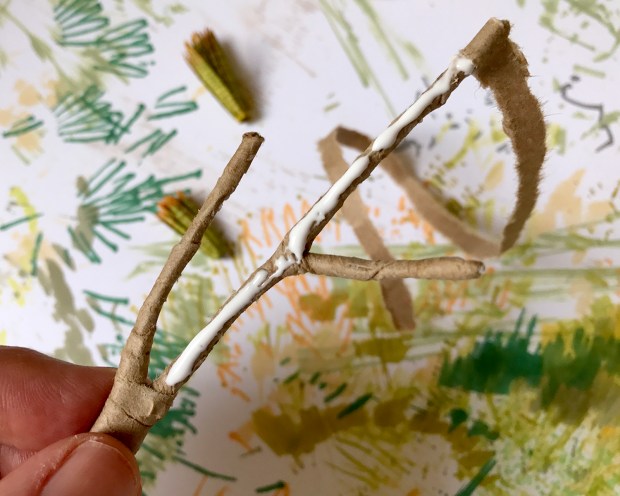


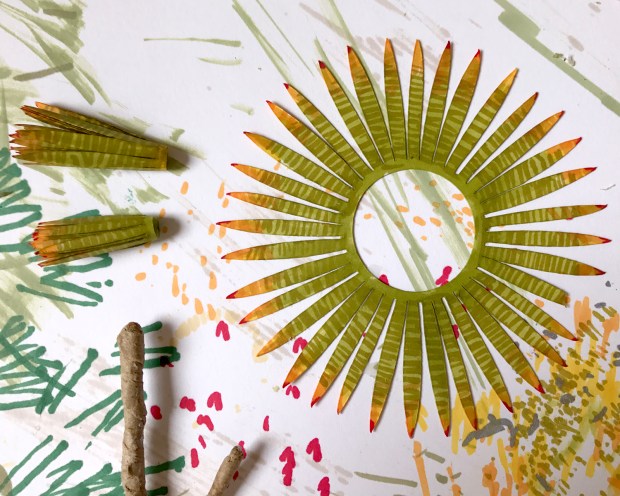


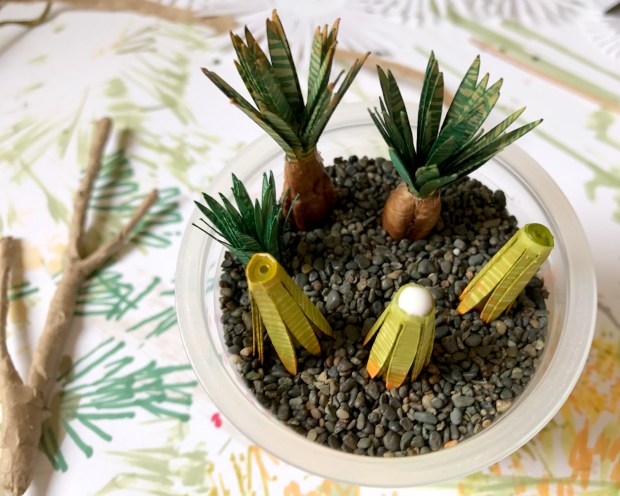


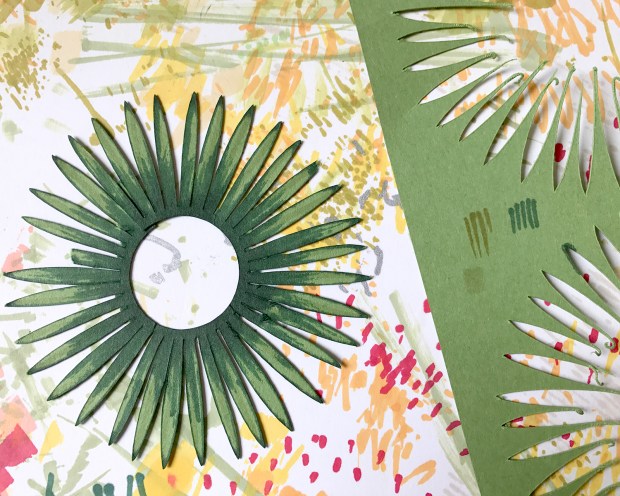

 I’ve been thinking about yuccas for a while. They’re such an iconic houseplant, and here in California, many varieties grow in the landscape. Above is the design process: free form shapes cut in paper, then drawn in Illustrator and cut from cardstock with a Cricut Explore Air 2. I’ve got pretty good working models, which will be refined as I build and rebuild. Still a long way to go with colors and details.